
Microsoft 365 Migration Services & Consulting
Migrate Exchange, SharePoint, OneDrive, Teams, file servers and Microsoft 365 tenants securely with a structured strategy designed to protect data, minimize disruption and accelerate cloud adoption.
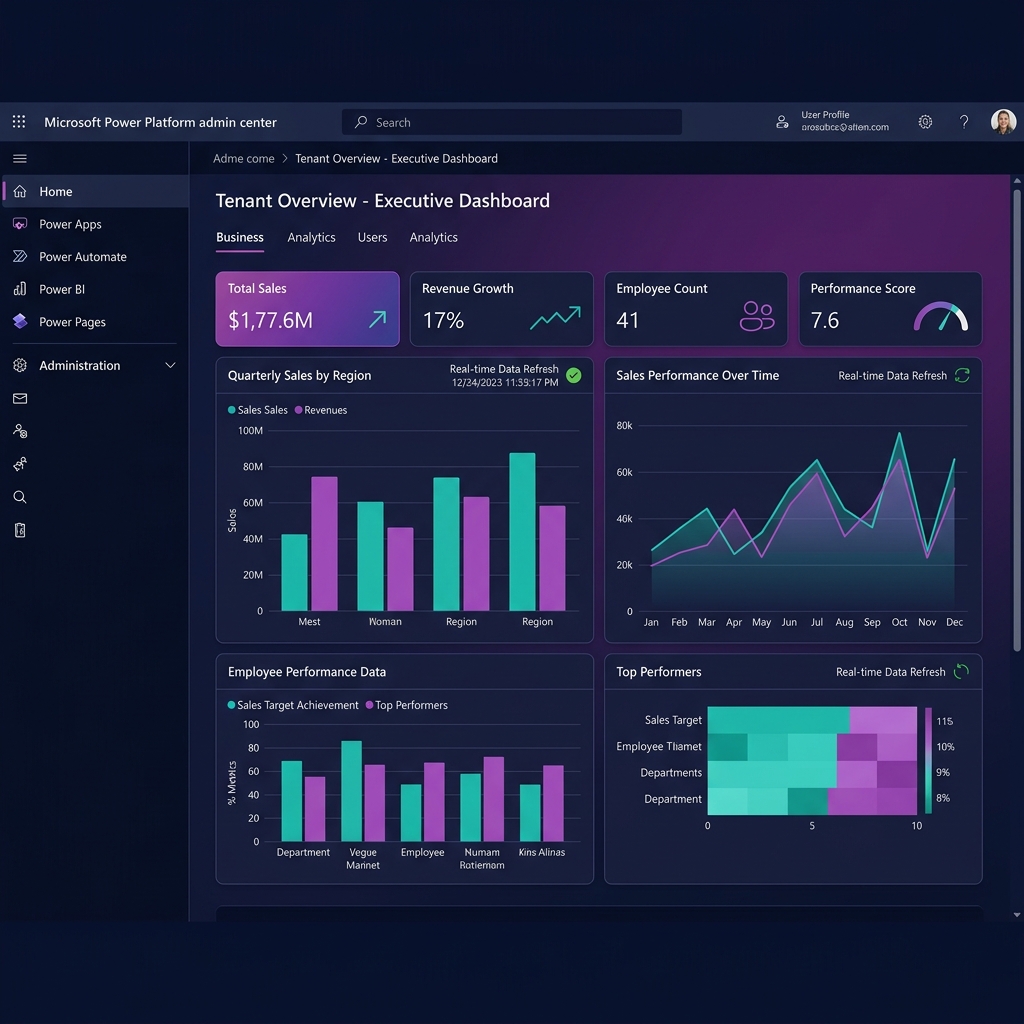
 Product Walkthrough
Our Microsoft 365 Migration Methodology
A battle-tested 4-step framework engineered to ensure data integrity, security compliance, and minimal business disruption.
Assess
Analyze source workloads, mailboxes, file share ACLs, dependencies, and network throughput.
Plan
Define the cutover strategy, staged timelines, Entra ID identity mappings, and rollback runbooks.
Migrate
Execute controlled workload migrations with background pre-seeding and delta synchronizations.
Optimize
Validate data integrity, decommission legacy infrastructure, and support workforce adoption.
What Can We Migrate to Microsoft 365?
We handle complex transitions from on-premises datacenters, legacy servers, and third-party cloud environments.
Exchange On-Premises & Hosted Mail
Mailboxes, shared mailboxes, calendars, contacts, and historical archives.
SharePoint Server & Lists
On-premises site collections, custom lists, metadata, and web parts.
Windows & Linux File Servers
Network shares (SMB/NFS) mapped directly to SharePoint and OneDrive.
Microsoft Teams & Channels
Channels, conversation history, document tabs, and planner boards.
Microsoft 365 Tenants (M&A)
Cross-tenant domain migrations, user identities, and shared resources.
Google Workspace & Slack
Gmail, Google Drive, Box, and Slack channels into unified Microsoft 365.
Microsoft 365 Migration Services
Structured migration solutions designed for specific enterprise workloads, data repositories, and identity platforms.

Exchange Online Migration
Migrate mailboxes, calendars, contacts, and archives to Exchange Online with structured synchronization and cutover planning.

SharePoint Migration
Move sites, documents, metadata, and permissions into modern SharePoint Online environments.
OneDrive Migration
Migrate user personal files while preserving folder structure, access controls, and sharing links.

Microsoft Teams Migration
Plan and execute the migration of Teams, channels, chat history, files, and collaborative workloads.
Tenant-to-Tenant Migration
Support mergers, acquisitions, and divestitures with cross-tenant identity mapping and domain cutovers.
File Server Migration
Modernize legacy on-premises file shares by moving organizational content into secure Microsoft 365 services.
Why Organizations Migrate to Microsoft 365
Eliminate server maintenance overhead, simplify multi-vendor licensing, and build a modern digital workplace.
Aging hardware, out-of-warranty servers, and complex on-prem patching cycles.
Microsoft 365 AdvantageModernize into high-availability Microsoft 365 cloud services with zero server maintenance.
Escalating storage SAN costs, backup licenses, and multi-vendor maintenance contracts.
Microsoft 365 AdvantageConsolidate into unified Microsoft 365 licensing, reducing ongoing datacenter spend.
Siloed files, version confusion, and inability for distributed teams to co-author in real time.
Microsoft 365 AdvantageEmpower employees with real-time co-authoring in Word, Excel, PowerPoint, and Teams.
Unmonitored file shares, outdated permissions, and lack of central audit trails.
Microsoft 365 AdvantageEnforce Microsoft Purview sensitivity labels, DLP boundaries, and Entra ID Conditional Access.
Disjointed IT tenants following corporate acquisitions creating collaboration barriers.
Microsoft 365 AdvantageConsolidate multiple Microsoft 365 tenants into a single governed digital workplace.
Slow VPN bottlenecks and connectivity drops when remote workers access on-prem files.
Microsoft 365 AdvantageDeliver fast, secure, browser and mobile access backed by zero-trust identity authentication.
Migration Is More Than Moving Data
We structure every engagement around security, business continuity, and operational readiness.
Data Integrity
Preserve business-critical data, folder structures, metadata attributes, and access permissions throughout every transfer.
Business Continuity
Minimize disruption to daily operations with background pre-seeding, delta syncs, and controlled weekend cutovers.
Security & Compliance
Review Entra ID policies, access controls, and Purview governance before and during the migration execution.
User Adoption & Enablement
Provide automated profile setup, communication templates, and training to ensure smooth employee transition.
Before vs. After Microsoft 365 Cloud Migration
Deployment Experience
Microsoft 365 Migration Across Industries
Industry-specific security, data retention, and cutover protocols designed for regulated sectors.
Healthcare & Life Sciences
Secure patient document and clinical mailbox migration adhering to HIPAA-aligned Purview access controls.
Financial Services & Banking
Governed email archive and file share migration with full audit trails, retention preservation, and FINRA compliance.
Manufacturing & Supply Chain
Centralized file server consolidation and mobile Teams deployment for frontline plant technicians.
Corporate Mergers & Acquisitions
Cross-tenant domain cutovers, mailbox migrations, and Entra ID identity consolidation for merged entities.
Ready to Plan Your Microsoft 365 Migration?
Let's evaluate your source workloads, design a low-disruption cutover roadmap, and modernize your organization into a secure Microsoft 365 digital workplace.
Enterprise Migration Console & Cutover Engine
Exchange Online Mailbox Cutover
01Background mailbox pre-seeding, calendar/contact preservation, and rapid weekend delta sync.
File Server & SharePoint Migration
02Teams & Slack Channel Migration
03Tenant-to-Tenant Identity Mapping
04
Our Migration Delivery Process
A structured, 5-phase migration delivery framework designed to protect enterprise data integrity, minimize downtime, and ensure seamless cutover.
Discovery & Assessment
Analyze source workloads, mailbox sizes, file share ACLs, dependencies, and network bandwidth.
Migration Architecture
Define staged vs. cutover strategy, identity mapping, security baselines, and rollback protocols.
Pre-Migration & Pre-Seeding
Pre-seed bulk data in background, map Entra ID identities, and configure coexistence routing.
Controlled Cutover & Delta Sync
Execute rapid delta syncs, switch MX / DNS records, and migrate active user profiles with minimal disruption.
Validation & User Enablement
Perform end-to-end data integrity checks, decommission legacy servers, and assist user onboarding.
How Ready Is Your Organization for Microsoft 365 Migration?
Evaluate your source infrastructure, data volume, Entra ID identity architecture, and cutover requirements.
Got Questions? We Have Answers.
Everything you need to know about our Microsoft 365, Copilot & AI implementation services.
How does a Microsoft 365 migration work?
A migration involves discovering source workloads, designing the destination Microsoft 365 architecture, pre-seeding data in the background, performing a delta synchronization during a scheduled cutover window, and verifying data integrity before decommissioning legacy systems.
How do you migrate Exchange to Microsoft 365?
Depending on mailbox volume and requirements, we execute cutover, staged, or hybrid migrations. Hybrid configurations allow seamless coexistence with shared free/busy calendar lookups while mailboxes are moved in batches to Exchange Online.
Can you migrate on-premises SharePoint to SharePoint Online?
Yes. Using the SharePoint Migration Tool (SPMT) and enterprise migration suites, we move site structures, document libraries, list items, custom metadata taxonomy, and permission groups directly into SharePoint Online.
Can you migrate file servers to Microsoft 365 while preserving permissions?
Yes. We map Windows NTFS Access Control Lists (ACLs) to corresponding Microsoft Entra ID security groups and SharePoint permissions, ensuring employees retain appropriate access to their files.
How do you migrate between two Microsoft 365 tenants during an M&A?
We establish cross-tenant synchronization, pre-seed mailboxes and OneDrive data, script automated domain deregistration and re-registration, and reconfigure desktop client profiles to execute smooth domain cutovers.
How do you minimize downtime during migration?
We perform bulk data pre-seeding weeks before cutover. On cutover weekend, only new or modified files (deltas) are synced, and DNS MX records are updated, keeping business downtime to an absolute minimum.
Can creation timestamps and author metadata be preserved?
Yes. Our migration protocols preserve document creation dates, last modified timestamps, original authors, and version histories where supported by the target API.
How does a successful migration prepare our organization for Microsoft Copilot?
A well-planned migration structures your documents in SharePoint, cleans up permissions, and establishes Entra ID zero-trust boundaries—creating the ideal foundation for Microsoft 365 Copilot semantic search and AI grounding.