 Power Platform
Why Your Power Automate Flow Keeps Failing: Practical Debugging Guide

Written by
Priya Sharma

Rajul (Garry) Gupta
Principal Microsoft Architect
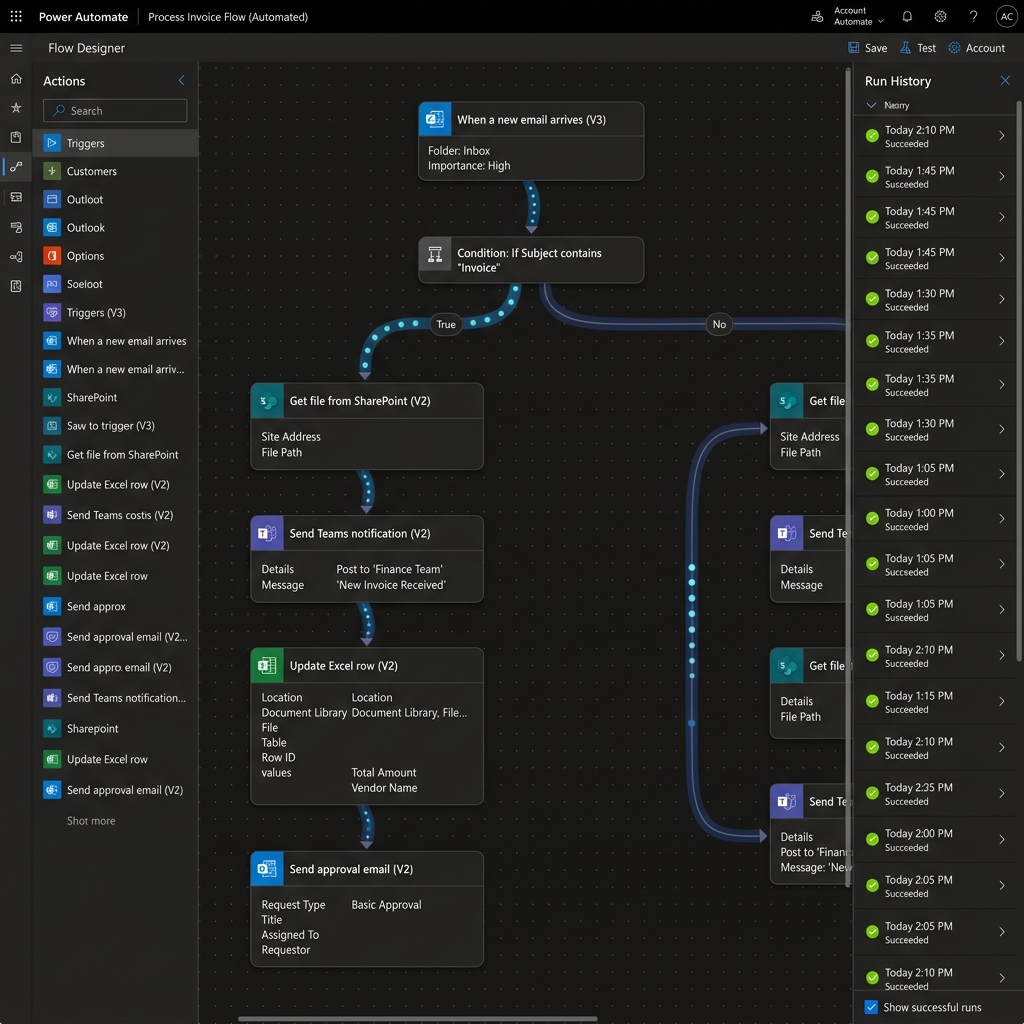
Top 5 Reasons Power Automate Cloud Flows Fail in Production
Power Automate is the backbone of modern Microsoft 365 process automation. However, when mission-critical approval flows or ERP connectors fail intermittently, business operations halt. If your Power Automate flow keeps failing, the issue almost always stems from five technical oversights.
These include missing concurrency control on high-volume triggers, unhandled null values in JSON expressions, expired connection references after password resets, API rate limit throttling (HTTP 429), and missing error-handling Scopes with run-after conditions.
Diagnosing 429 Throttling, API Timeouts & Schema Validation Errors
HTTP 429 'Too Many Requests' occurs when a flow iterates through SharePoint items or Dataverse records inside an uncontrolled 'Apply to each' loop. Microsoft enforces strict API request limits per 24 hours.
To resolve this, enable Split On batching for triggers, replace iterative loops with OData filter queries (`$filter=Status eq 'Pending'`), and configure explicit Retry Policies (Exponential Backoff) on HTTP action headers.
Best Practices: Error Handling Scopes, Retry Policies & Admin Alerting
Enterprise flows must never fail silently. Wrap core workflow steps inside a 'Try' Scope, followed by a 'Catch' Scope configured with the 'has failed', 'has timed out', or 'is skipped' run-after condition.
When an exception occurs, the Catch block extracts the error message, logs the incident to a centralized SharePoint governance list, and dispatches an immediate Adaptive Card notification to IT support in Microsoft Teams.
Reviewed by Rajul (Garry) Gupta — Founder & Principal Microsoft Solutions Architect
Technically verified against enterprise Microsoft 365 tenant standards, Purview data security rules, and Microsoft Graph best practices to provide actionable, deployment-grade advice.
Need assistance with Power Platform?
Speak directly with our senior Microsoft cloud architects to assess your tenant health and design a tailored roadmap.