Microsoft Power Apps

Microsoft Power Apps Development & Consulting Services

Build secure enterprise applications that replace spreadsheets, digitize manual processes, and connect business data with Microsoft Power Apps, Dataverse, Power Automate and Microsoft 365.

500+Projects Delivered
98%Customer Satisfaction
Microsoft Solutions Partner
https://empathy.tech/solutions/power-apps
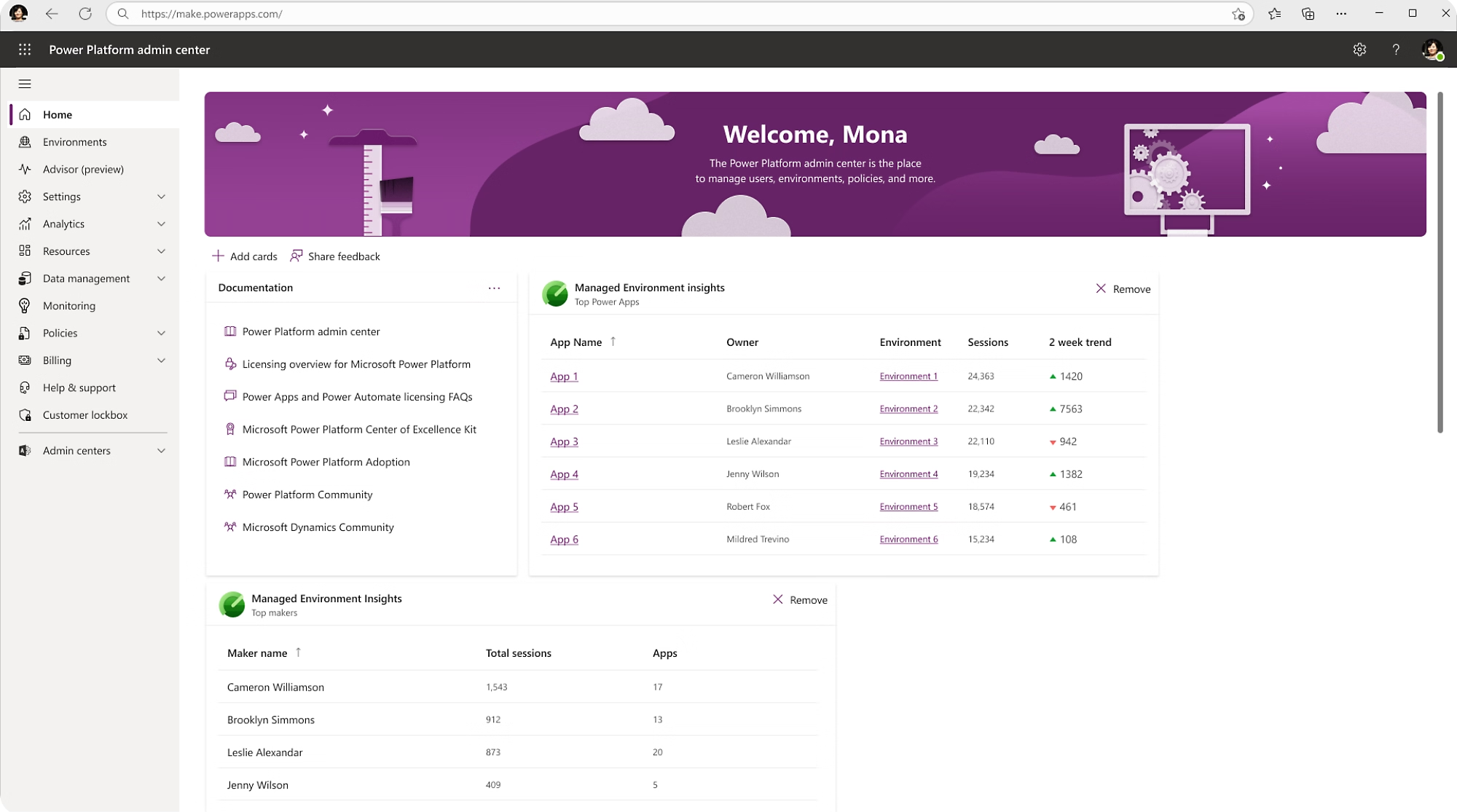
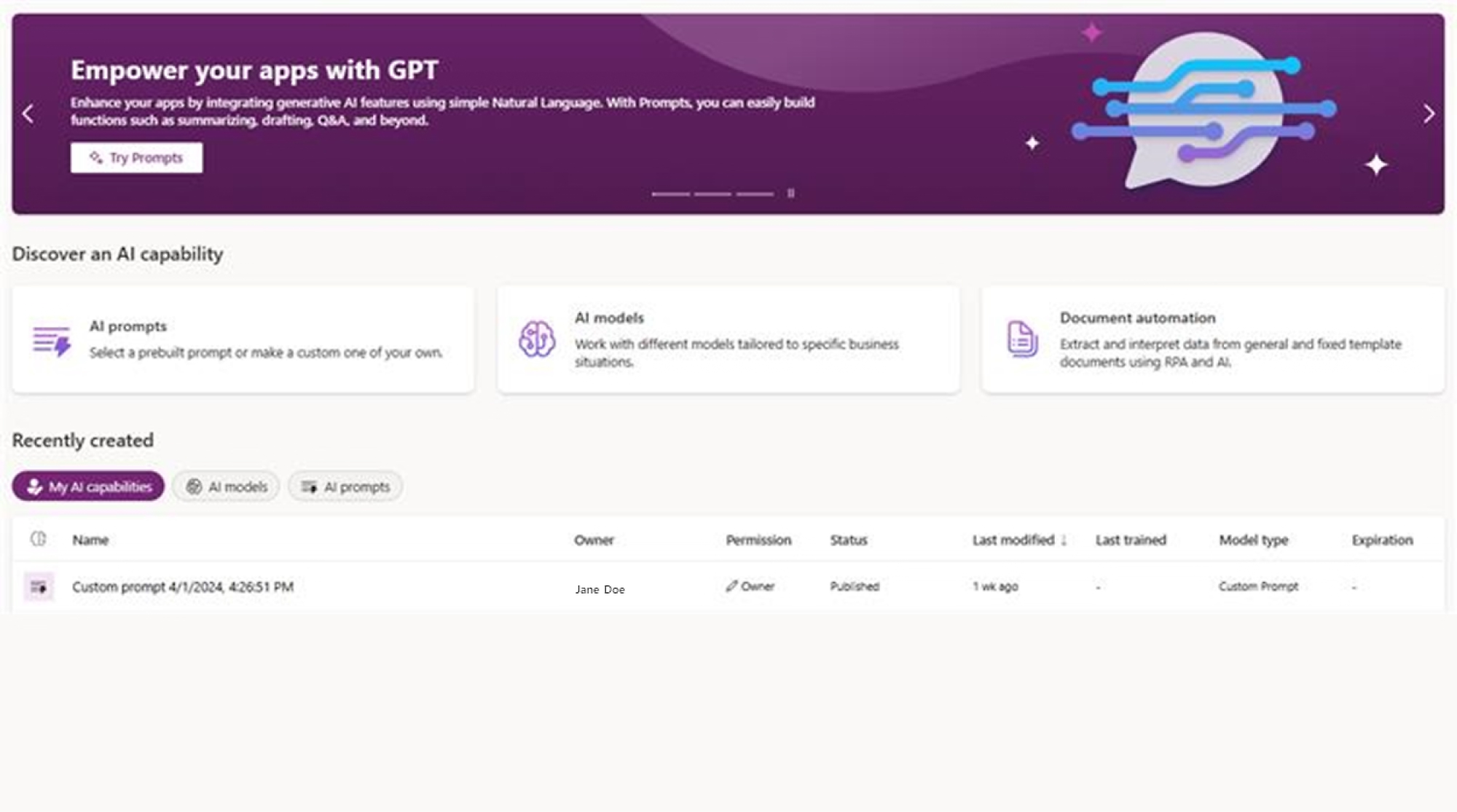
Production UI
Microsoft Power Apps Development & Consulting Services
MicrosoftProduct Walkthrough
Microsoft Power Apps Development & Consulting Services
Click to Watch Interactive Demo
APPLICATION ARCHETYPES

What We Build with Power Apps

Tailored enterprise applications engineered for specific user personas, from mobile field teams to executive back-office staff.

Canvas Applications

Custom Mobile & Tablet UI

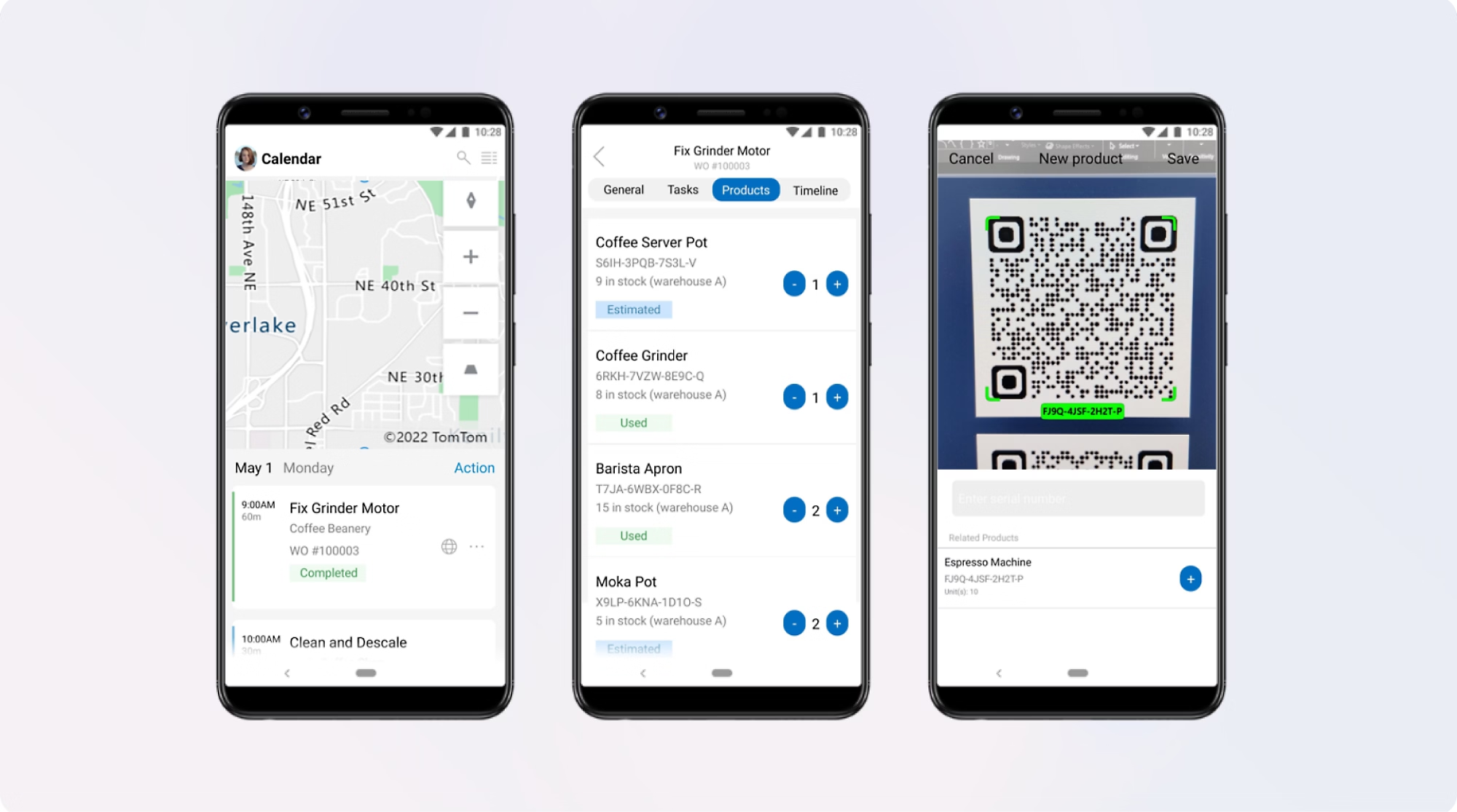
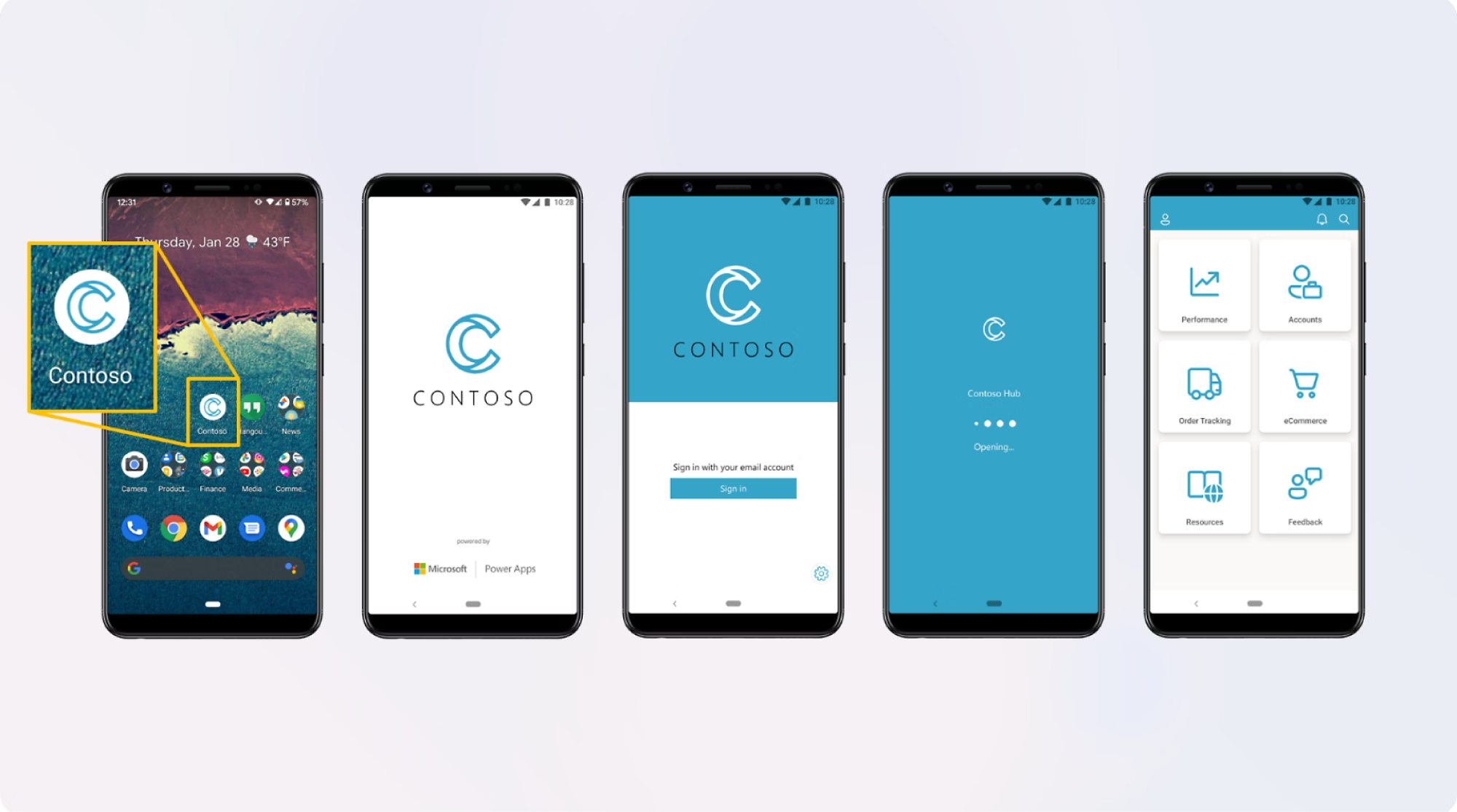
Pixel-perfect, tailored user interfaces designed for specific departmental tasks, mobile field inspections, barcode scanning, and camera capture.

Model-Driven Applications

Data-Dense Enterprise Portals

Component-focused back-office applications automatically generated from relational Dataverse schemas with deep business process flows.

Offline & Field Portals

Deskless & Frontline Operations

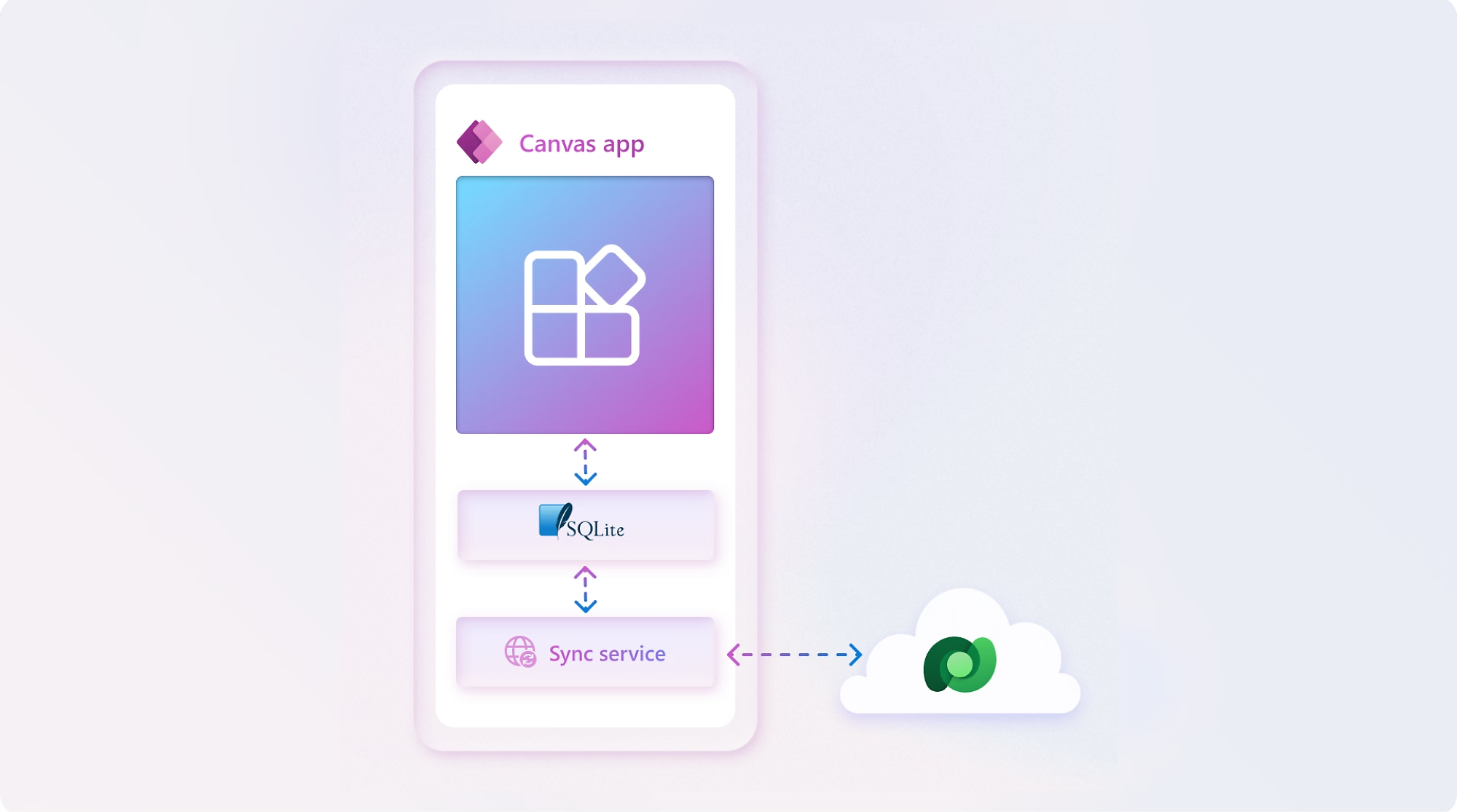
Mission-critical mobile apps equipped with local device caching and background delta-syncing for remote job sites with zero connectivity.

BUSINESS PROBLEMS WE SOLVE

What Business Problems Can Power Apps Solve?

We help organizations eliminate spreadsheet sprawl, manual paper forms, and fragmented business data.

Spreadsheet Dependency

"Critical operational data is trapped in fragile, unversioned Excel spreadsheets."

CopilotGoverned Power Apps + Dataverse

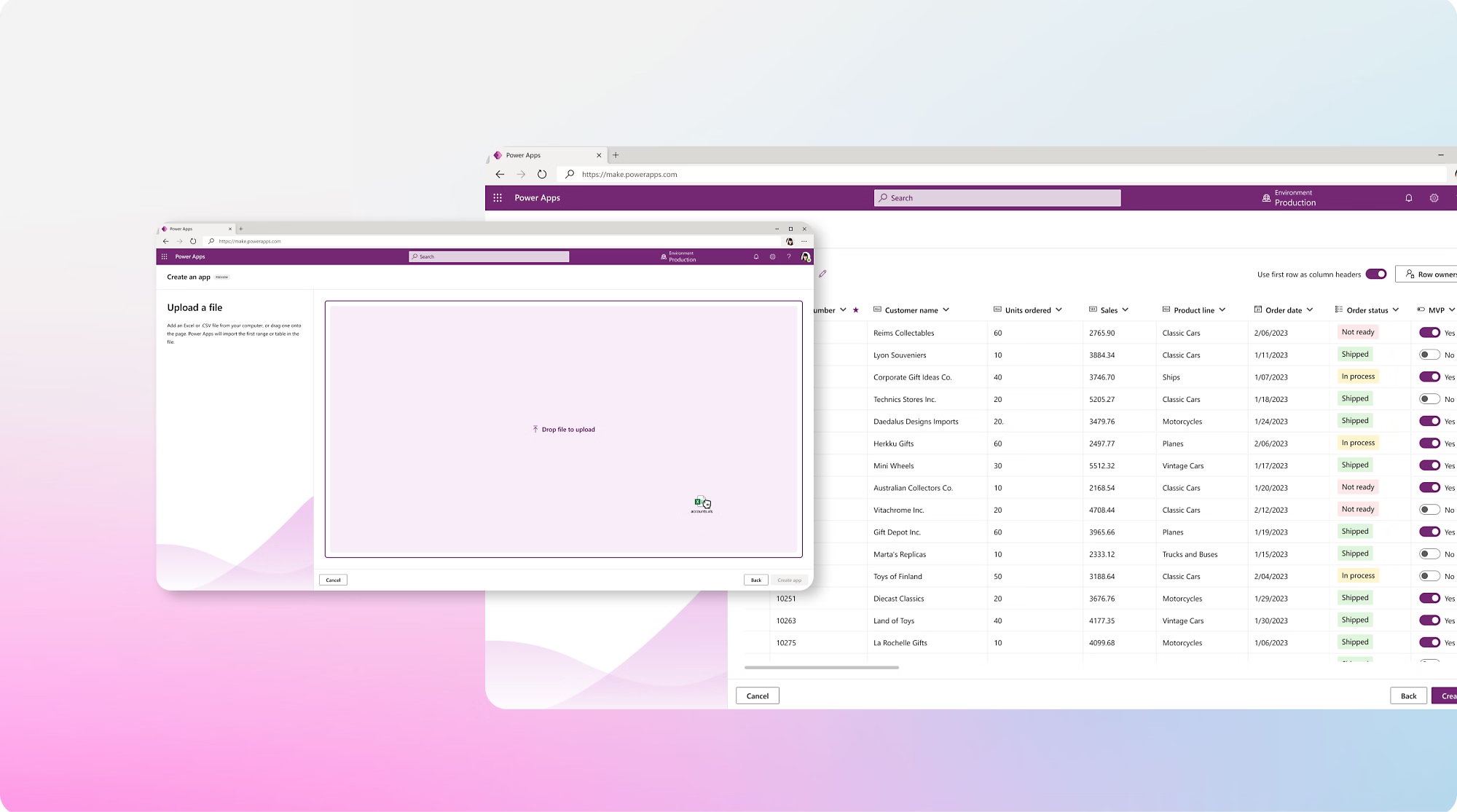
Migrate spreadsheets into secure relational database tables with validation rules and multi-user access.

Manual Data Entry

"Staff spend hours re-typing paper forms and handwritten inspection notes."

CopilotMobile Canvas Data Capture

Digitize forms with native mobile camera inputs, barcode scanners, GPS timestamps, and electronic signatures.

Legacy Internal Applications

"Outdated on-premises tools are slow, insecure, and lack mobile access."

CopilotModern Low-Code Web & Mobile Apps

Modernize legacy systems into responsive cloud applications integrated with Entra ID Single Sign-On (SSO).

Field Operations

"Field technicians lose data when working in basements or remote facilities without cellular signal."

CopilotOffline Local Cache & Background Sync

Enable full offline data entry that automatically commits transactions to Dataverse once connectivity resumes.

Approval Bottlenecks

"Purchase requests and expense reports stall in endless email chains."

CopilotPower Apps + Power Automate Approvals

Trigger real-time Adaptive Cards in Teams and Outlook for instant 1-click managerial sign-offs.

Disconnected Data

"Business information is fragmented across ERPs, SharePoint, and separate SQL databases."

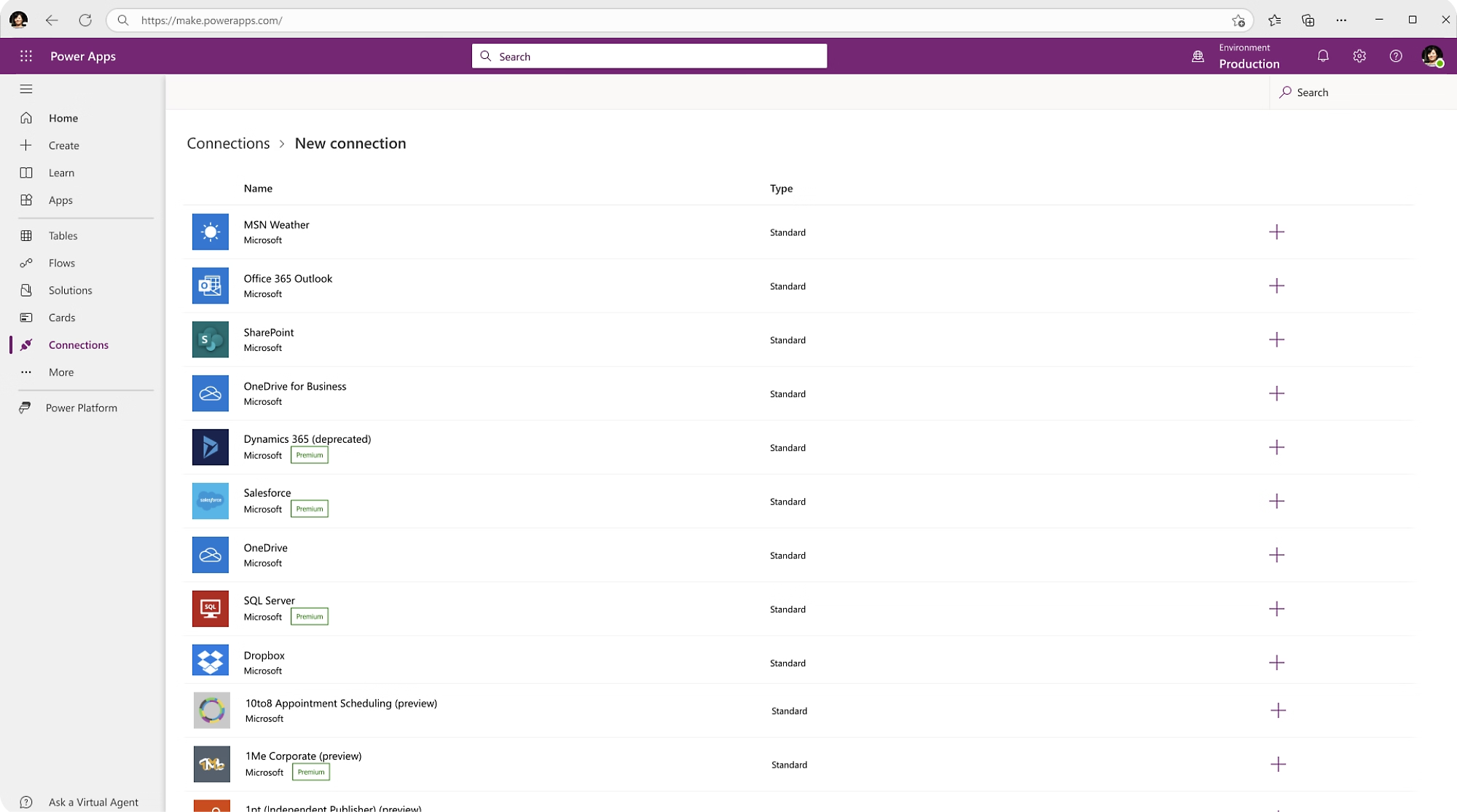
CopilotUnified Dataverse & 1,000+ Connectors

Synchronize customer and inventory data across SAP, Salesforce, SQL, and custom REST API endpoints.

Poor Business Visibility

"Leadership lacks real-time insight into daily operational throughput."

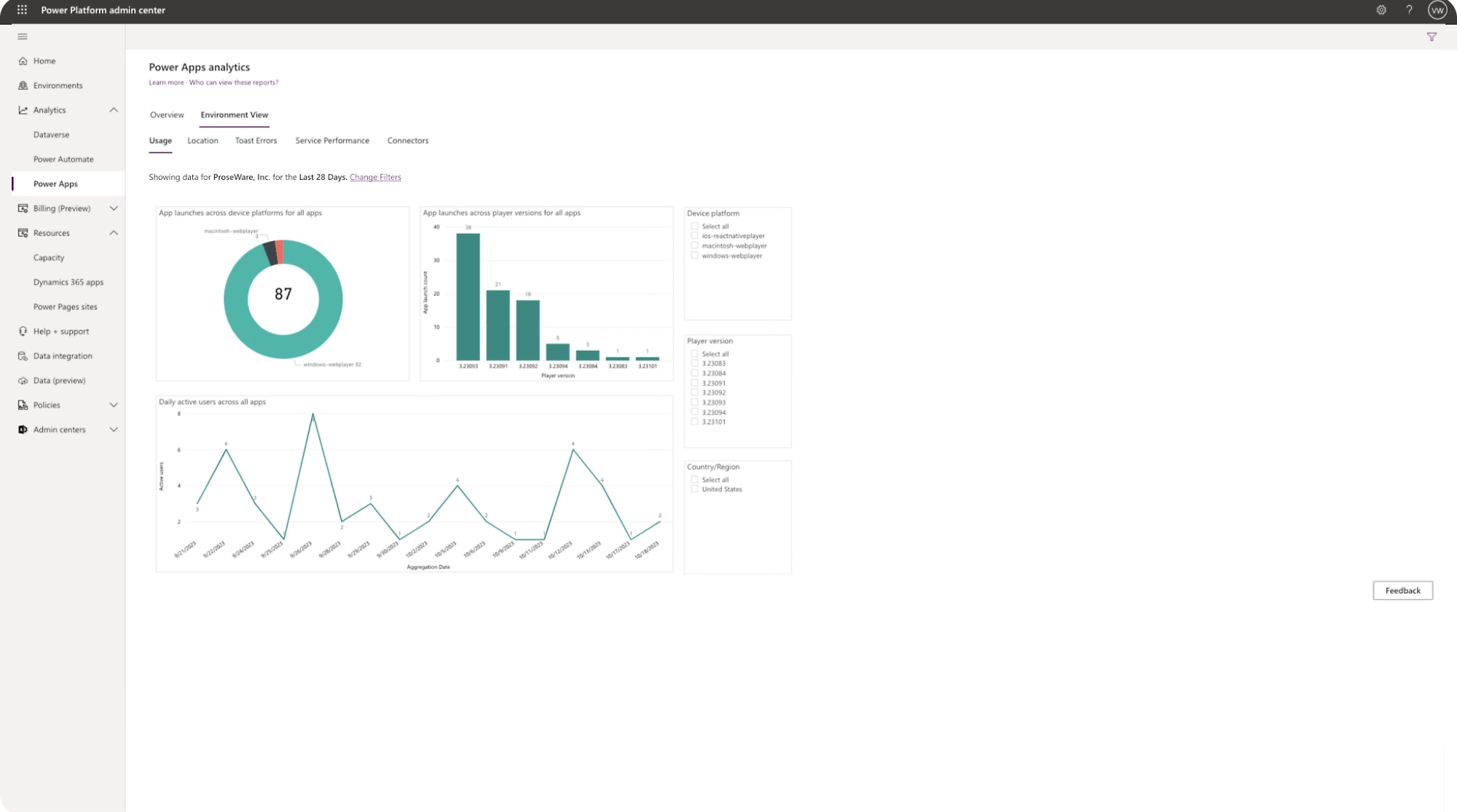
CopilotEmbedded Power BI Telemetry

Embed interactive analytical dashboards directly inside Power Apps for live operational visibility.

CORE CAPABILITIES & ARCHITECTURE

Low-Code Speed + Professional Software Engineering

We use Power Apps where low-code delivers rapid delivery, and extend with custom Azure Functions, C# plugins, and React PCF controls when your business requires complex logic.

Microsoft Dataverse Architecture

Enterprise Relational Data

Enterprise relational database with column-level encryption, transactional integrity, and native Microsoft Copilot grounding.

Offline Mobile Sync

Frontline Reliability

Local SQLite device storage and background synchronization queues ensuring zero data loss during field inspections.

Entra ID Security & RBAC

Granular Row-Level Access

Single Sign-On (SSO), Multi-Factor Authentication (MFA), and business unit role permissions restricting data access per user.

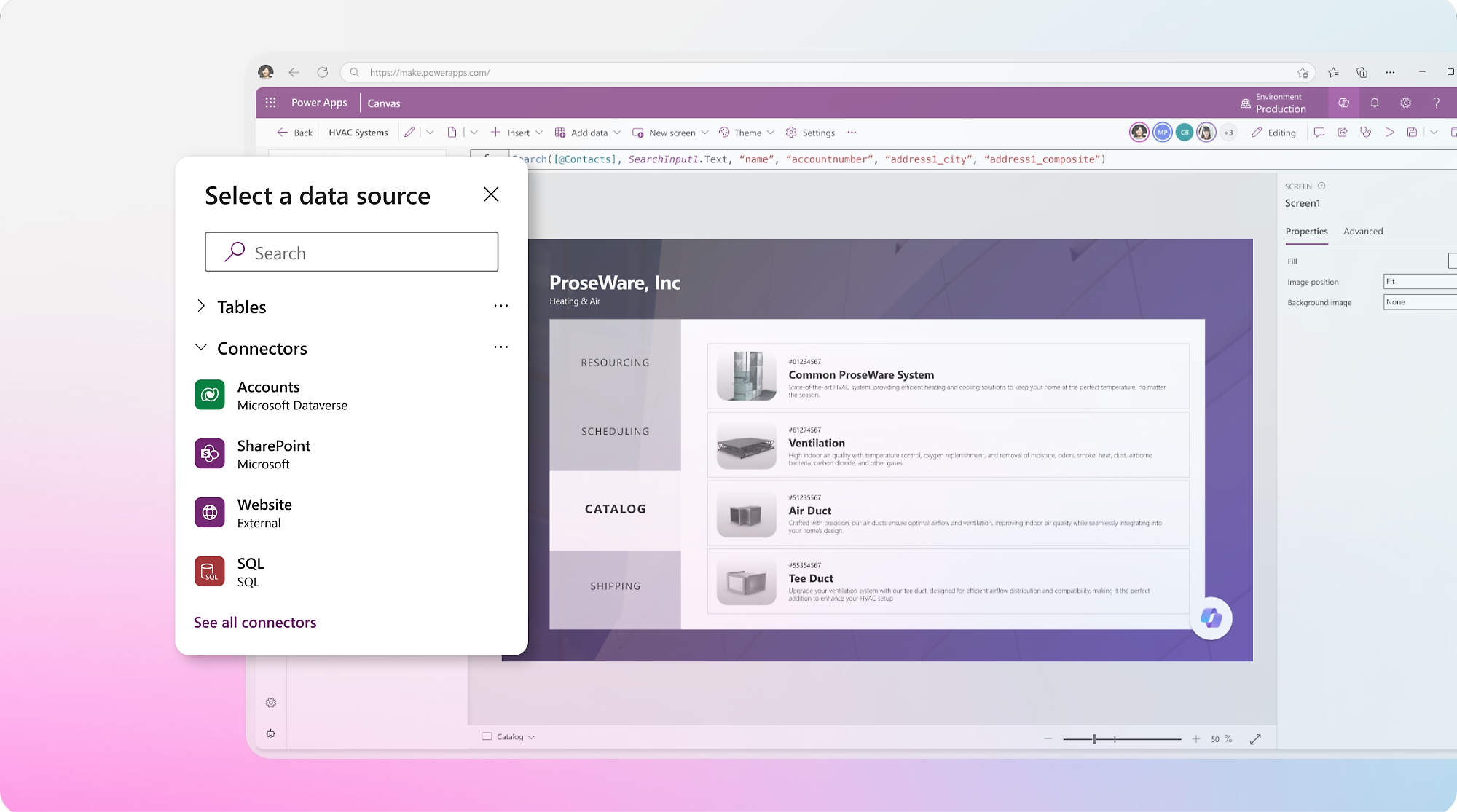
Cloud & Custom API Connectors

Enterprise Interoperability

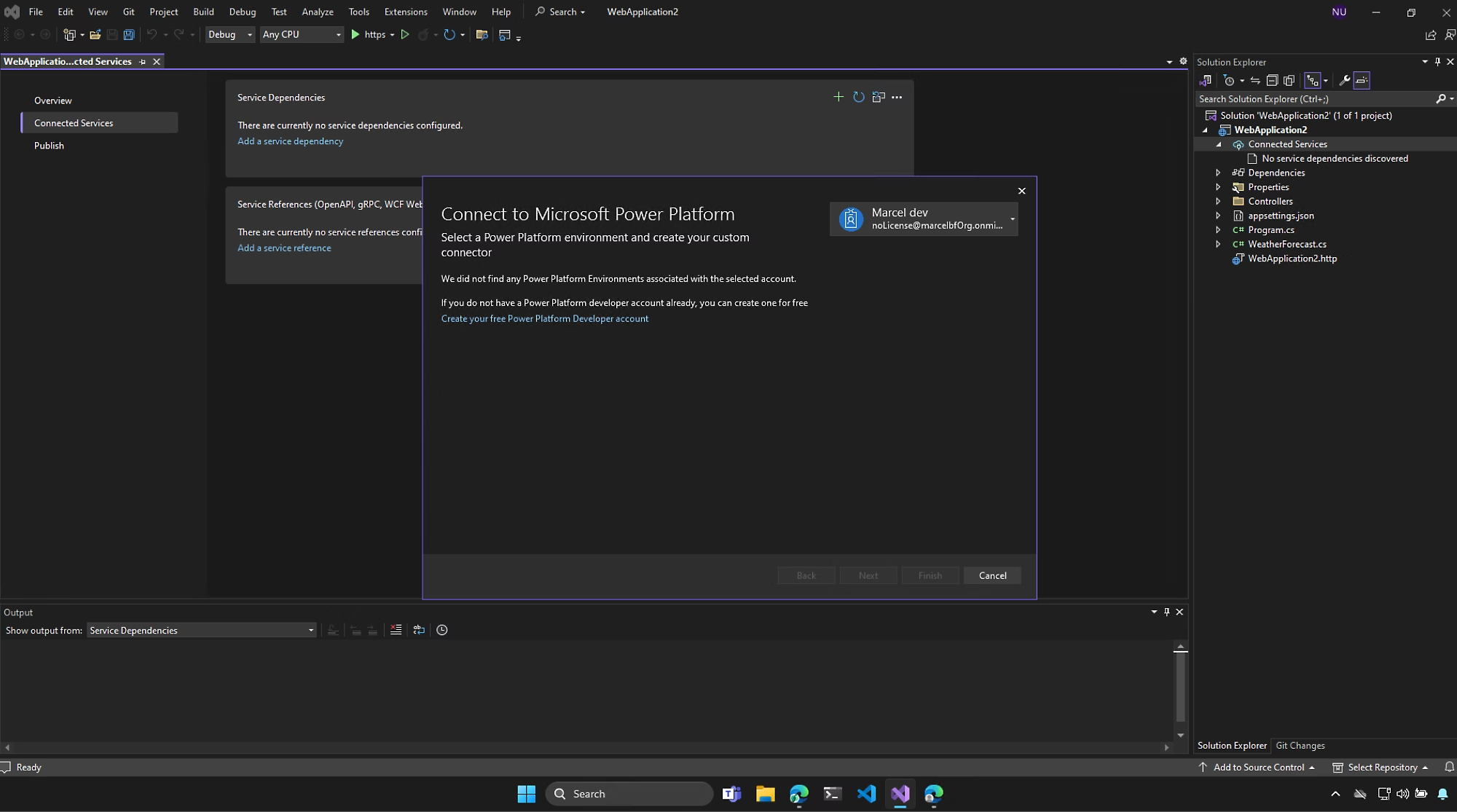
Pre-built connectors and custom OpenAPI REST integrations linking Power Apps to SAP, Salesforce, Oracle, and internal microservices.

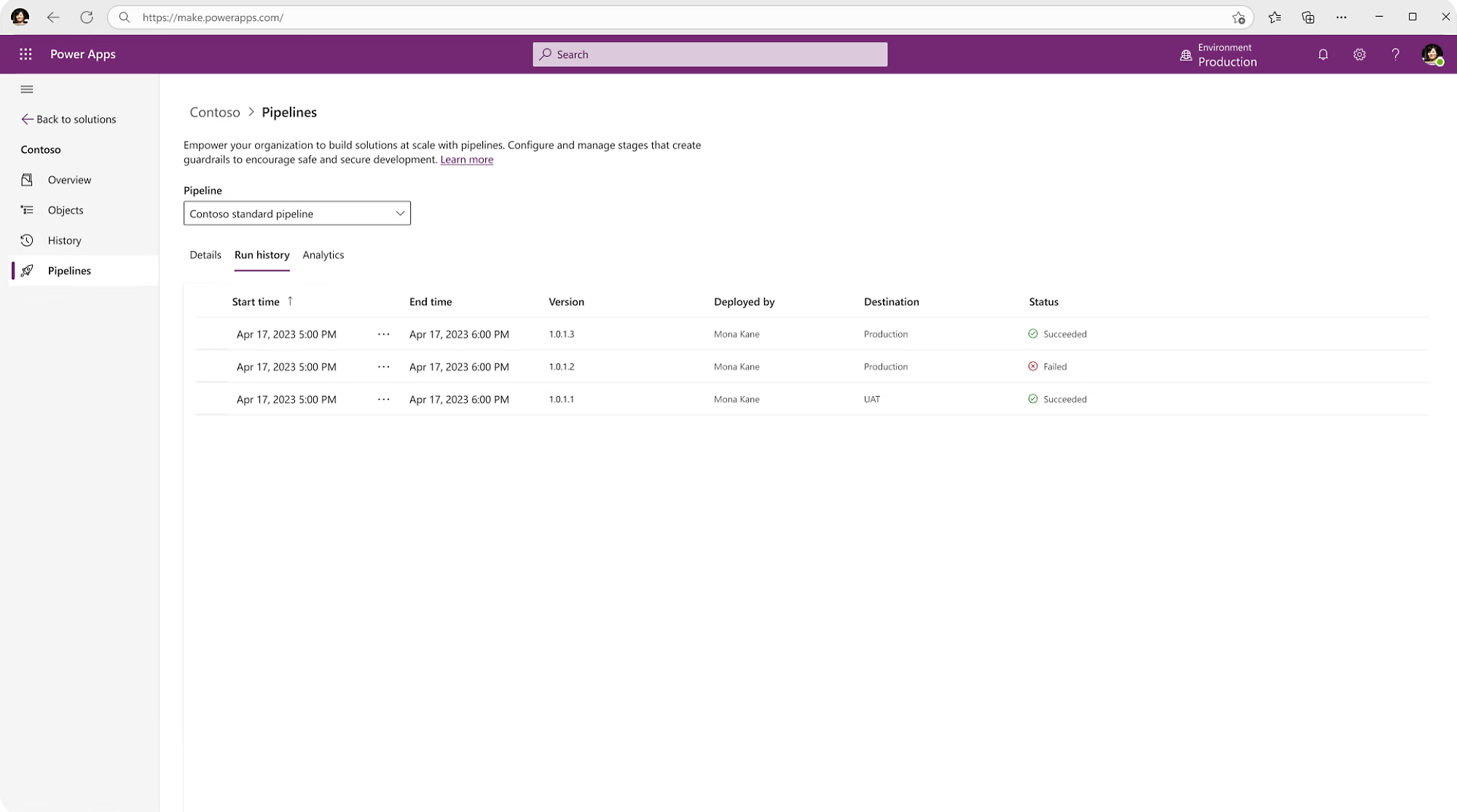
Automated ALM & CI/CD

Gated Environment Deployment

Version-controlled solution pipelines across Dev, Test, and Prod using Azure DevOps and GitHub Actions with zero manual exports.

Copilot

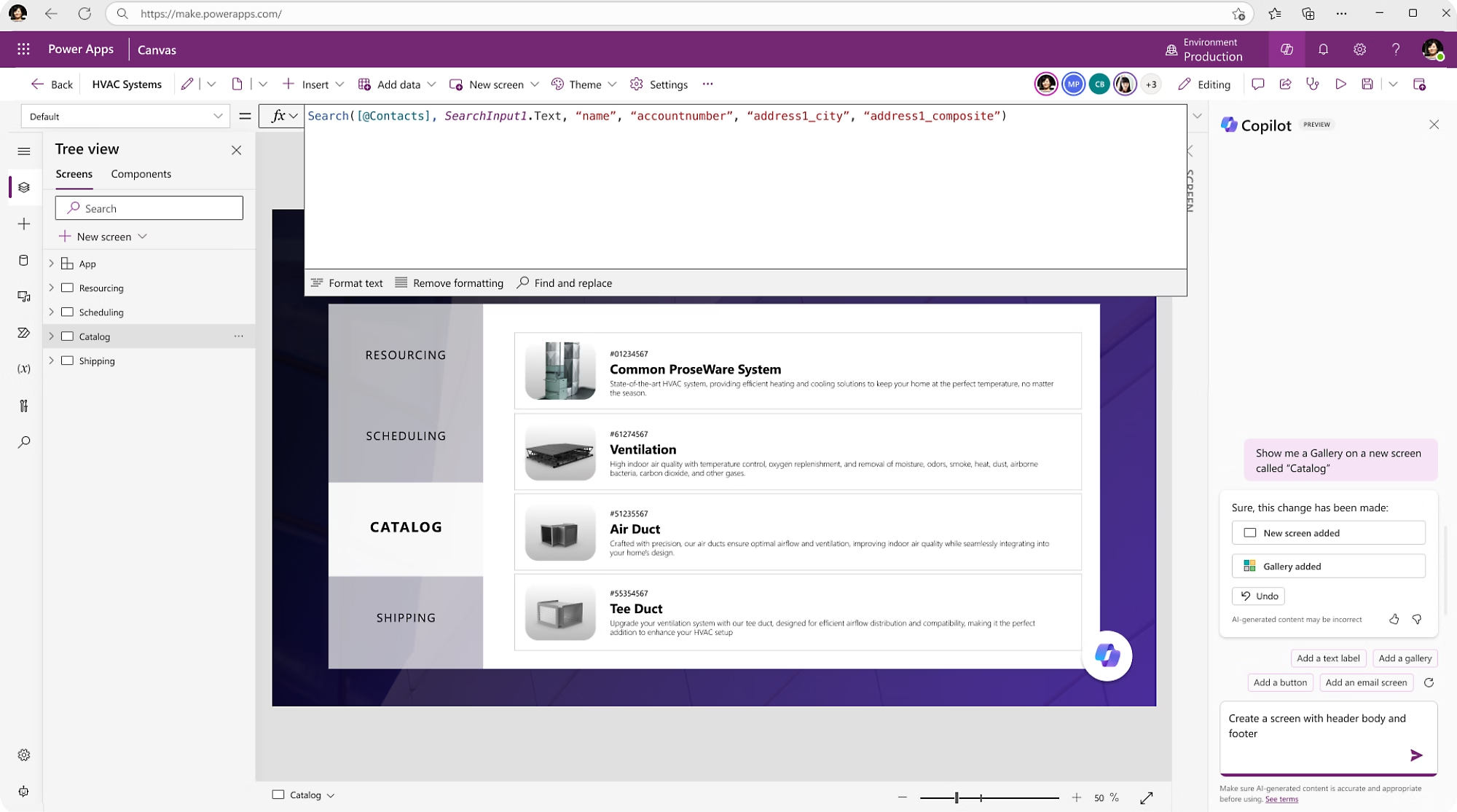
Power Fx & Copilot AI Logic

Formula-Driven Business Rules

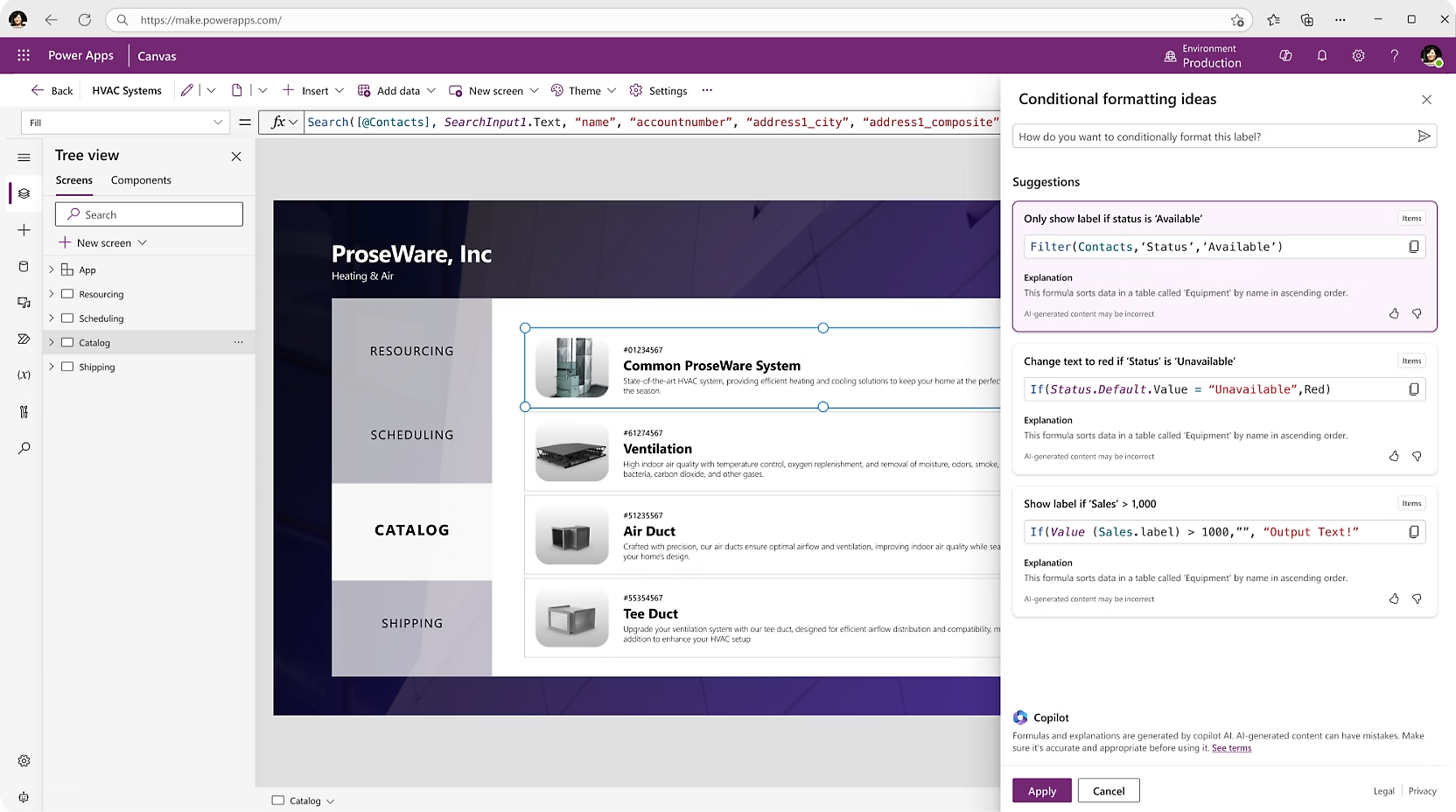
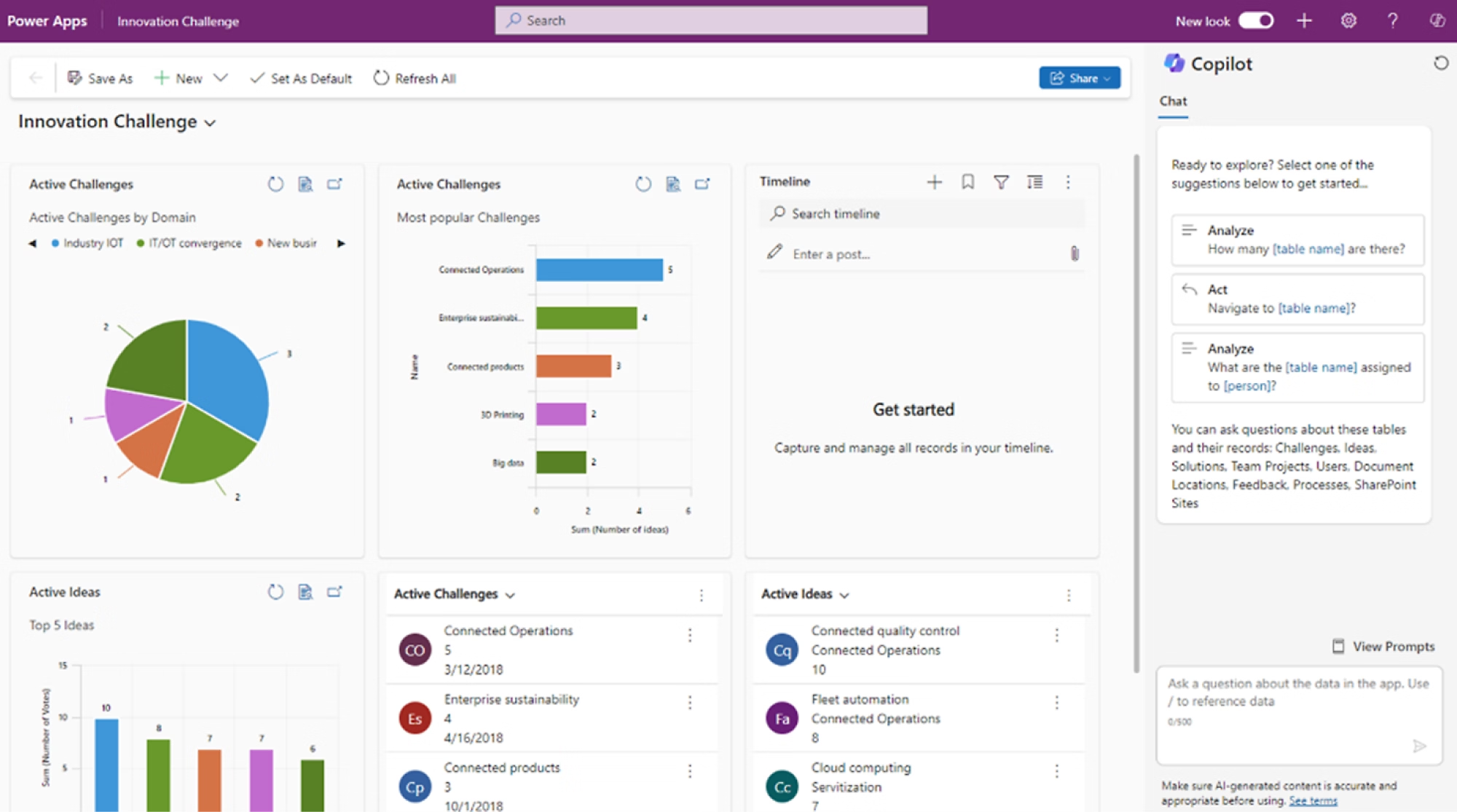
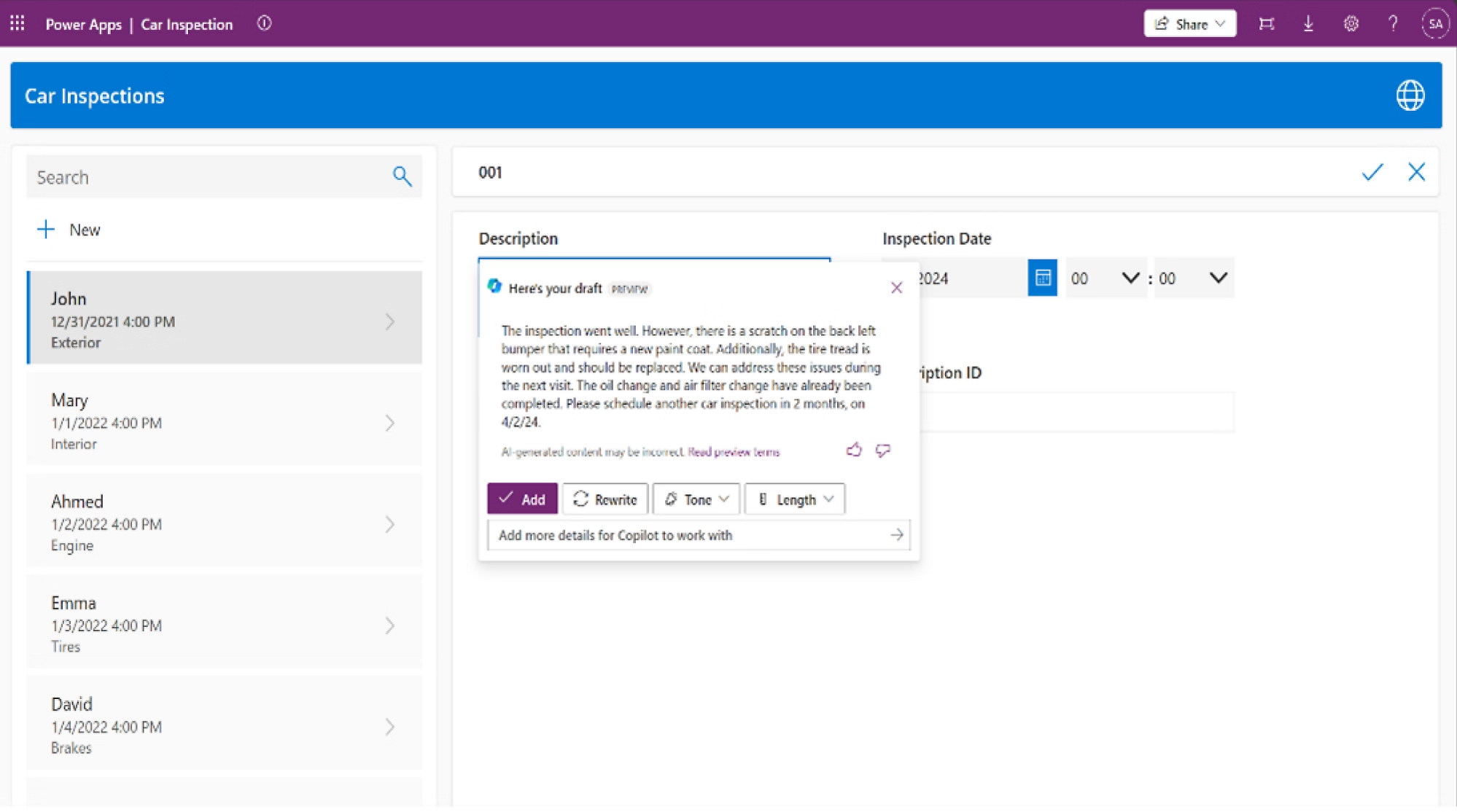
Low-code Power Fx logic formulas accelerated by Microsoft Copilot natural language app and calculation generation.

Deployment Scenarios

Where We Build Power Apps

Tailored application engineering for operational teams across diverse enterprise functions.

Field Service & Safety Audits

Mobile inspection apps with camera photo capture, equipment barcode lookup, GPS tagging, and offline inspection logs.

Employee Operations & HR Portals

Employee onboarding checklists, leave requests, asset requisition, and badge requests integrated into Teams tabs.

Finance & Budget Approvals

Purchase order submissions, vendor invoice routing, and multi-tier budget approvals with automated audit trails.

(Illustrative Enterprise Scenarios • Grounded in Production Dataverse Architecture)

Ready to Build Your Enterprise Power App?

Let's evaluate your workflows, architect a scalable Dataverse schema, and build applications that eliminate manual spreadsheets and boost workforce productivity.

Enterprise Low-Code Mobile & Field Applications

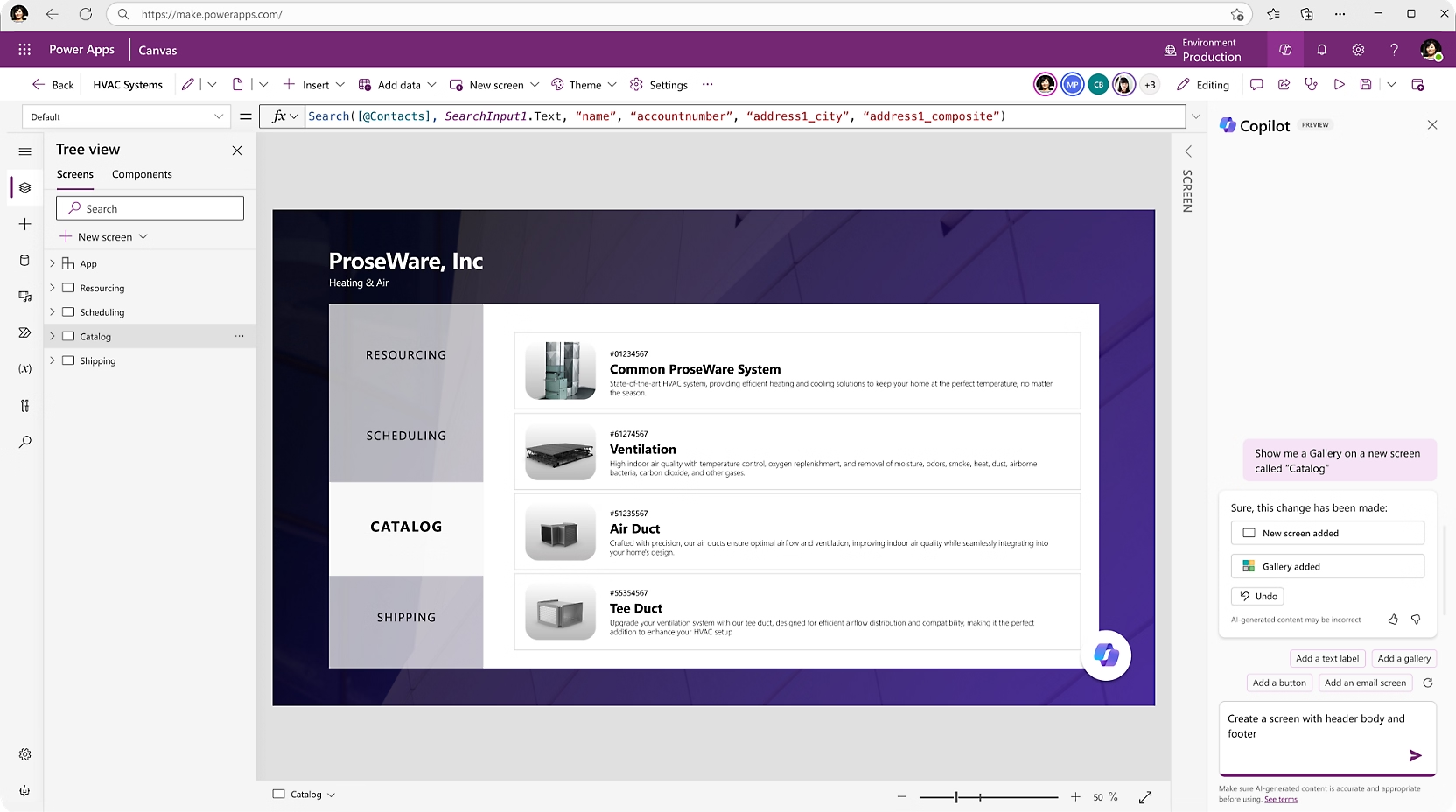
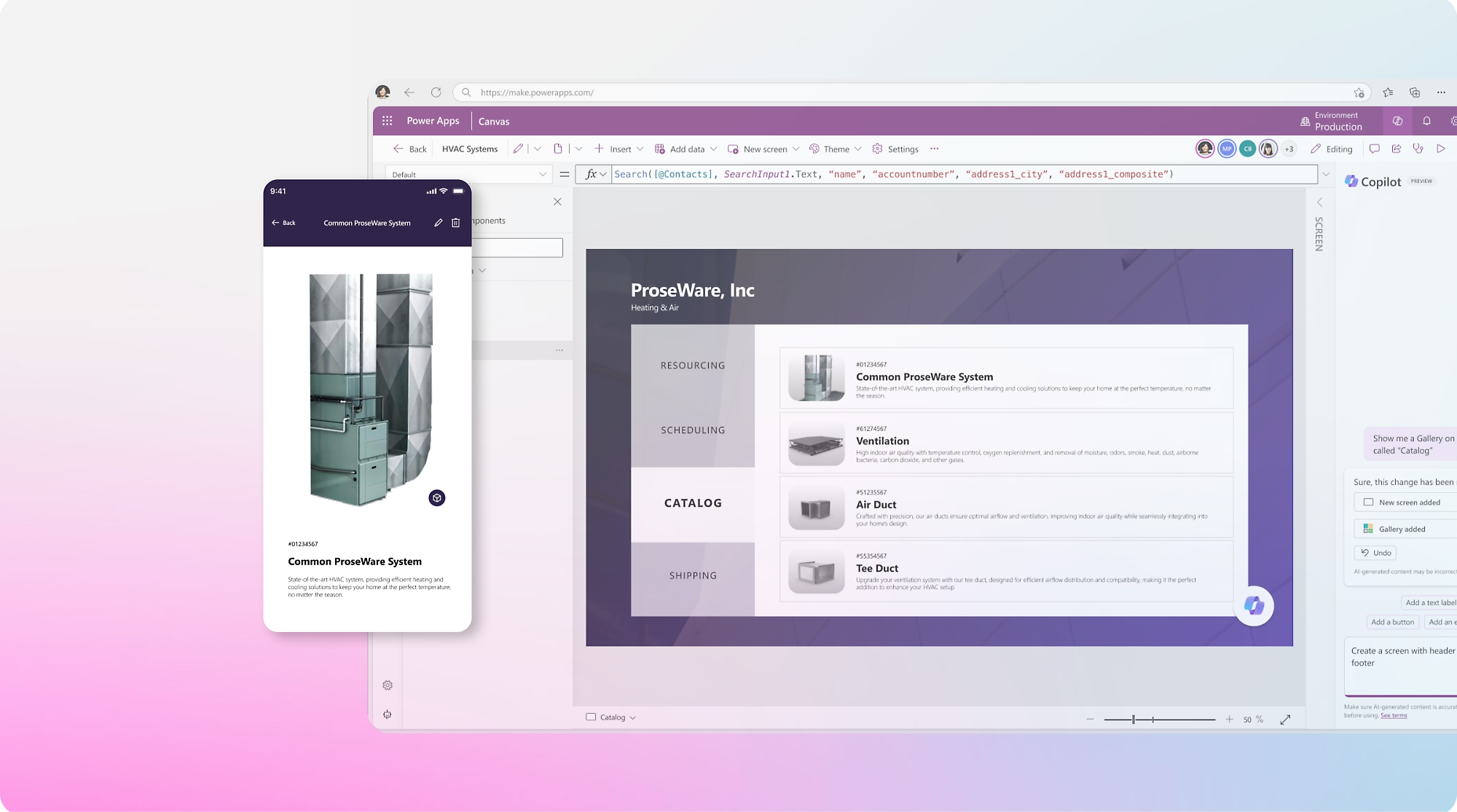
Canvas & Model-Driven Studio

01

Pixel-perfect, responsive enterprise applications built 5x faster.

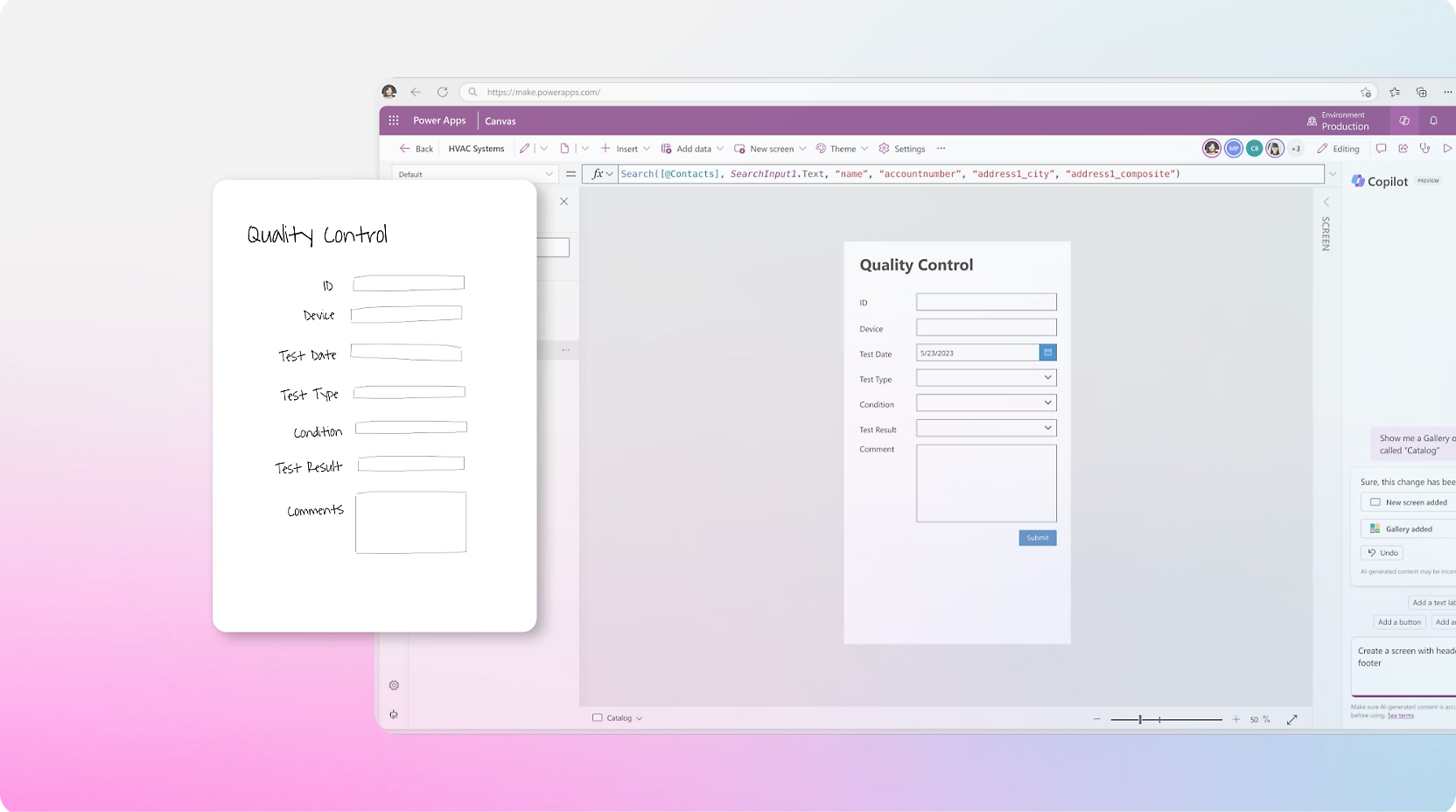
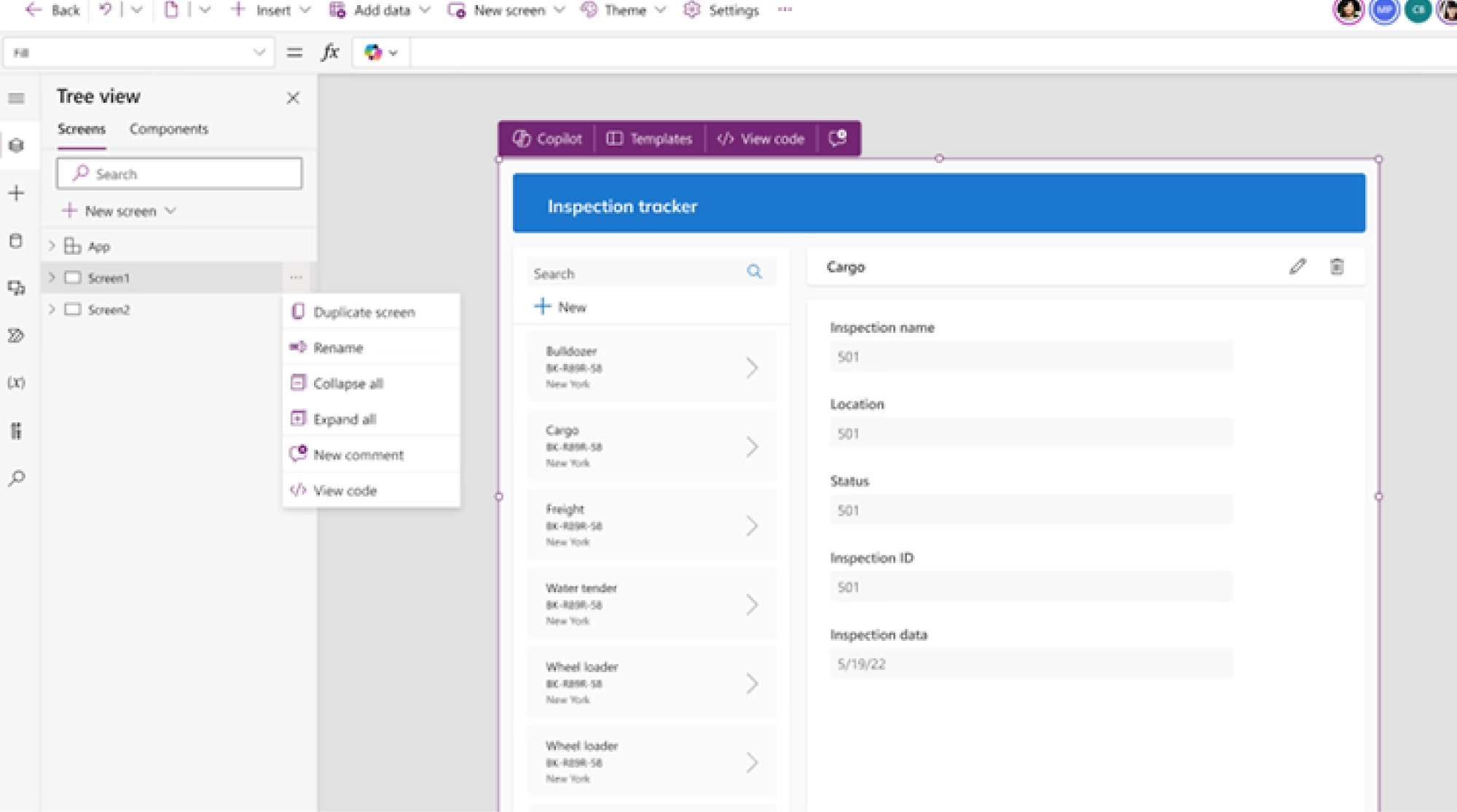
Finance & Field Service Portals

02

Dataverse Relational Schemas

03

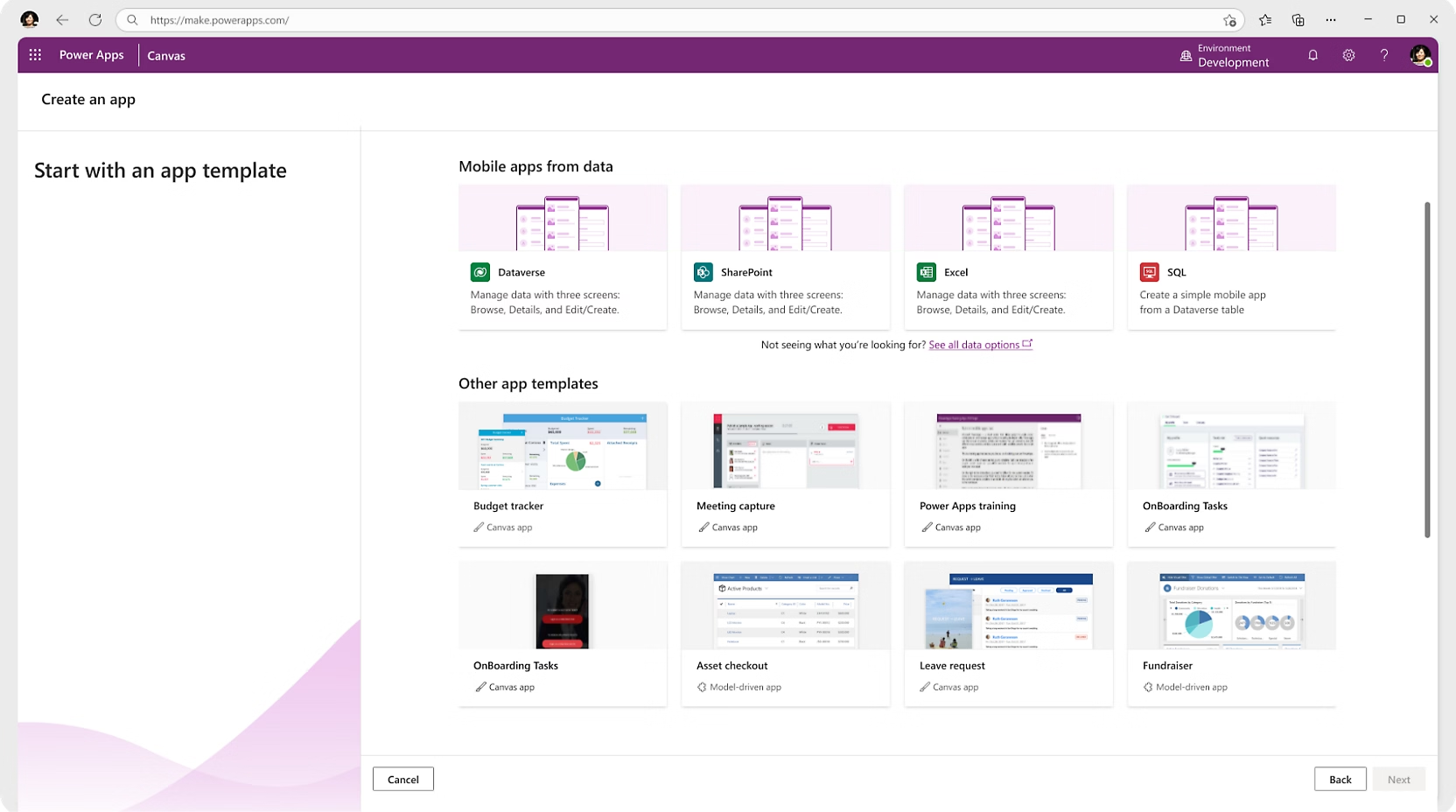
Native Teams & SharePoint Embedding

04
Canvas & Model-Driven Studio
Low-Code Application Engineering

Our Power Apps Development Process

A structured, 5-phase framework from business process discovery and Dataverse architecture to governed rollout and user adoption.

01
Phase 1

Business Process Discovery

Understand the existing workflow, field users, data dependencies, and business objectives.

Functional Scope
02
Phase 2

Application Architecture

Select Canvas vs. Model-Driven architecture, define Dataverse schemas, and plan security roles.

Schema & UI Wireframes
03
Phase 3

Power Apps Development

Build responsive canvas layouts, Power Fx business logic, offline sync queues, and custom PCF controls.

Application Built
04
Phase 4

Integration & Testing

Connect Power Automate approval flows, SharePoint, Teams, SQL, and external ERP / CRM APIs.

Connected & Verified
05
Phase 5

Deployment & Adoption

Deploy via ALM environments (Dev, Test, Prod), configure DLP guardrails, and train end users.

Governed Enterprise Rollout
Interactive Application Diagnostic

Power Apps Application Readiness Assessment

Evaluate your business application requirements, Dataverse architecture, integration complexity, and ALM maturity.

Zero-Commitment Architectural Diagnostic
150 Users
Power Apps Readiness Score
64/100
(Illustrative Enterprise Assessment)
Moderate Complexity
Application Opportunity94%
Data Architecture32%
Integration Readiness74%
Security & Roles72%
ALM Maturity28%
AI & Copilot Readiness85%
Architectural Insight:Your biggest opportunity is migrating legacy spreadsheets into a relational Dataverse architecture with governed Canvas/Model-Driven apps.

Got Questions? We Have Answers.

Everything you need to know about our Microsoft 365, Copilot & AI implementation services.

Microsoft Power Apps is an enterprise low-code development platform that enables businesses to build custom web and mobile applications. It replaces spreadsheets and manual forms with secure, database-backed tools connected to Microsoft 365, Dataverse, and external business systems.
Canvas Apps provide complete pixel-perfect drag-and-drop control over UI layout (ideal for mobile field tools and custom task apps), while Model-Driven Apps automatically generate structured, data-dense enterprise portal layouts directly from relational Dataverse database models.
Yes. Using local device caching and background Dataverse synchronization, frontline technicians can collect audit records, take photos, and scan barcodes offline. Once internet reconnects, the app automatically uploads the queued records.
Yes. With over 1,000+ pre-built Microsoft connectors and custom OpenAPI REST connectors, we integrate Power Apps bi-directionally with SQL Server, SAP ERP, Salesforce, Oracle, and internal company microservices.
Yes. Power Apps can be embedded directly as dedicated Microsoft Teams channel tabs, personal sidebar apps, or modern SharePoint intranet page web parts for seamless employee access.
Power Apps uses Microsoft Entra ID for identity authentication and Microsoft Dataverse for granular Role-Based Access Control (RBAC). Security can be configured down to specific business units, individual tables, records, and data columns.
Power Apps provides the user interface for capturing information and triggering actions, while Power Automate runs the backend workflow logic—such as sending manager approval cards in Teams, triggering emails, and syncing data across third-party ERPs.
We automate ALM pipelines using Azure DevOps or GitHub Actions with Microsoft Power Platform Build Tools. Solutions are stored in Git version control, validated with automated tests, and deployed through gated Dev, Test, and Production environments.

What is Microsoft Power Apps?

Microsoft Power Apps is an enterprise low-code development platform that enables businesses to build custom web and mobile applications. It replaces spreadsheets and manual forms with secure, database-backed tools connected to Microsoft 365, Dataverse, and external business systems.

What is the difference between Canvas and Model-Driven Apps?

Canvas Apps provide complete pixel-perfect drag-and-drop control over UI layout (ideal for mobile field tools and custom task apps), while Model-Driven Apps automatically generate structured, data-dense enterprise portal layouts directly from relational Dataverse database models.

Can Power Apps operate offline when internet connectivity is lost?

Yes. Using local device caching and background Dataverse synchronization, frontline technicians can collect audit records, take photos, and scan barcodes offline. Once internet reconnects, the app automatically uploads the queued records.

Can Power Apps connect to legacy SQL databases and custom REST APIs?

Yes. With over 1,000+ pre-built Microsoft connectors and custom OpenAPI REST connectors, we integrate Power Apps bi-directionally with SQL Server, SAP ERP, Salesforce, Oracle, and internal company microservices.

Can Power Apps integrate with SharePoint and Microsoft Teams?

Yes. Power Apps can be embedded directly as dedicated Microsoft Teams channel tabs, personal sidebar apps, or modern SharePoint intranet page web parts for seamless employee access.

How does Power Apps security and row-level access work?

Power Apps uses Microsoft Entra ID for identity authentication and Microsoft Dataverse for granular Role-Based Access Control (RBAC). Security can be configured down to specific business units, individual tables, records, and data columns.

How do Power Apps and Power Automate work together?

Power Apps provides the user interface for capturing information and triggering actions, while Power Automate runs the backend workflow logic—such as sending manager approval cards in Teams, triggering emails, and syncing data across third-party ERPs.

How does Application Lifecycle Management (ALM) work for enterprise Power Apps?

We automate ALM pipelines using Azure DevOps or GitHub Actions with Microsoft Power Platform Build Tools. Solutions are stored in Git version control, validated with automated tests, and deployed through gated Dev, Test, and Production environments.